Email Deliverability for Newsletter Creators: Why Your Emails Land in Spam (And How to Fix It)
Deliverability is the silent newsletter killer — a 30% spam rate cuts your revenue potential by 30% while your dashboard shows 98% delivered. SPF, DKIM, DMARC in plain English, list hygiene that protects your sender reputation, the tools to diagnose the problem, and a 7-day recovery plan.
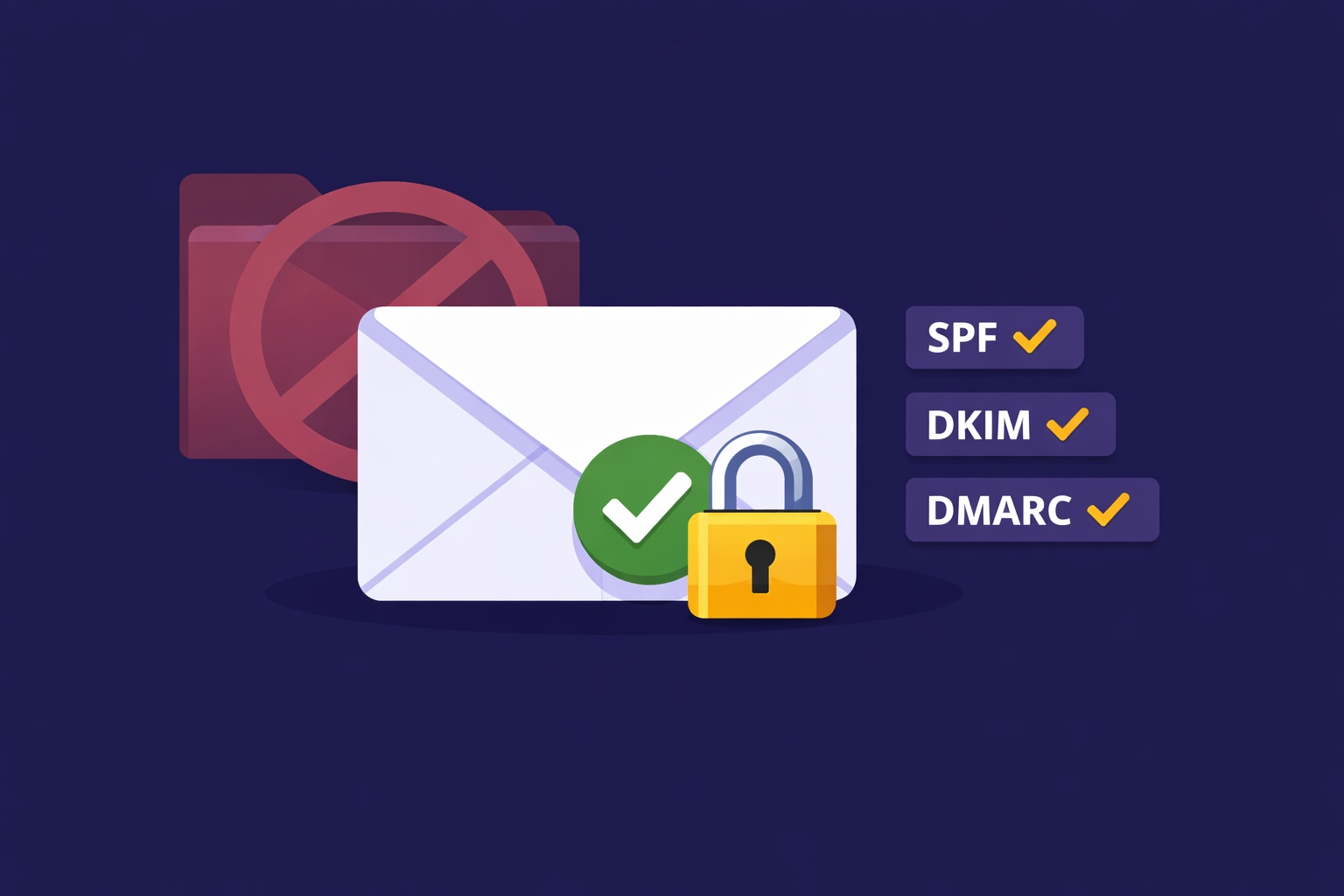
You spent three hours writing your best newsletter issue. You hit send to 6,000 subscribers. Your dashboard shows 98.4% delivery rate — the platform accepted every email and sent it out. You sit back and wait for the opens to roll in.
The open rate comes in at 19%. Something feels off. Your usual rate is 34%.
What most creators don't check — and what the dashboard won't proactively tell you — is that "delivered" and "landed in the inbox" are not the same thing. An email is counted as delivered the moment a receiving mail server accepts it. Where it goes after that — inbox, promotions tab, spam folder, or nowhere visible at all — is a separate question entirely, and one that your platform's delivery rate metric doesn't answer.
Deliverability is the silent killer of newsletter businesses. A creator can have 5,000 engaged subscribers, great content, and a consistent publishing schedule — and still be reaching only 3,500 of them if 30% of their emails are landing in spam. Every revenue metric is reduced proportionally: ad impressions, sponsorship reach claims, paid subscription conversions, affiliate clicks. All of it is cut by the same percentage as the deliverability gap.
The good news: deliverability problems are almost always fixable, and the fixes follow a predictable checklist. This guide covers how deliverability actually works, the five factors that determine where your email lands, the technical setup that protects your sender reputation, and the practical 7-day recovery plan for creators whose deliverability has already slipped.
The Deliverability Crisis Most Creators Don't Know They Have
The reason deliverability problems go undetected for so long is that the signals are ambiguous. An open rate drop could be a bad subject line, a less interesting topic, an unusual send time, or a deliverability problem. Most creators investigate the first three and never check the fourth.
Warning signs that suggest a deliverability problem (not just a content issue):
- Open rate drops 8-15+ percentage points across multiple consecutive issues — a single low-open issue is usually content or subject line; a sustained drop across 3+ issues suggests deliverability
- Reply rate drops disproportionately to open rate — engaged subscribers who are receiving your email will reply at a consistent ratio to opens; if replies drop faster than opens, some active subscribers are no longer seeing your emails
- You've recently migrated to a new sending platform or domain — new sending infrastructure needs to warm up; sending at full volume from a cold IP address reliably triggers spam filters
- You've grown your list rapidly through a giveaway or viral lead magnet — low-quality subscribers acquired through incentives that attract non-genuine interest dramatically worsen engagement rates and sender reputation
- You haven't cleaned your list in 6+ months — accumulated inactive subscribers drag down your engagement score, which is a primary signal inbox providers use to determine spam classification
- You changed your sending domain or "from" email address — even a small change can disrupt the authentication record that inbox providers use to verify your identity
How Email Deliverability Actually Works (Simple Version)
When you hit send, your email doesn't go directly from your newsletter platform to your subscriber's inbox. It passes through a series of checkpoints — each one making a decision about whether your email is welcome or not.
The email delivery journey:
- Your newsletter platform sends the email from its sending infrastructure (or your custom domain if configured). The email includes headers with authentication information.
- The receiving mail server (Gmail, Outlook, Apple Mail, etc.) accepts the connection and checks the authentication records: Does this email actually come from who it claims to be from? SPF, DKIM, and DMARC records answer this question.
- The receiving server checks the sender's reputation — has this sending IP or domain been associated with spam complaints? What's the historical engagement rate from subscribers at this domain?
- The server evaluates the email content — does it contain spam trigger words, suspicious links, an unusual ratio of images to text, or formatting patterns common in bulk spam?
- The server checks recipient-specific signals — has this specific subscriber previously marked emails from this sender as spam? Do they typically engage with emails like this?
- The email is placed — inbox (primary or promotions tab), spam, or silently dropped. "Delivered" in your platform dashboard means step 2 completed. Where it went after that is steps 3-6, and your platform often can't see it.
Gmail (which handles roughly 40-45% of consumer email) uses machine learning that factors in every signal across all Gmail users. If a high percentage of Gmail users who receive your emails are deleting without opening, moving them to spam, or unsubscribing, Gmail quietly starts routing your emails away from inboxes — not just for those users, but potentially across all Gmail recipients. This is why engagement rate maintenance is so critical and why sending to inactive subscribers is actively harmful.
The 5 Factors That Determine Where Your Email Lands
Factor 1: Authentication (SPF, DKIM, DMARC)
Authentication is the foundation. Without proper authentication records, inbox providers have no way to verify that your email is genuinely from you — and they'll treat it with appropriate suspicion. Proper authentication doesn't guarantee inbox placement, but missing authentication almost guarantees reduced deliverability.
Factor 2: Sender Reputation
Your sending domain and IP address carry a reputation score — a continuously updated assessment based on spam complaints, bounce rates, engagement rates, and sending patterns. High reputation = inbox. Low reputation = spam or promotional folder. Reputation is earned slowly and lost quickly.
Factor 3: Recipient Engagement
Inbox providers watch how recipients interact with your emails. Opens, clicks, replies, and forwarding are positive signals. Deletions without opening, spam reports, and unsubscribes are negative signals. The ratio of positive to negative signals is the primary dynamic factor in your deliverability — it changes with every send and responds quickly to improvements.
Factor 4: List Quality
The composition of your subscriber list directly affects deliverability. A list with 20% invalid or inactive email addresses generates hard bounces and zombie-subscriber engagement rates that drag down your sender reputation. List quality is a leverage point that many creators overlook — a smaller, cleaner list consistently outperforms a larger, dirty one on deliverability metrics.
Factor 5: Content and Sending Patterns
What your email contains and how consistently you send it both factor into deliverability decisions. Spam-filter-triggering content, unusual image-to-text ratios, suspicious links, and irregular sending patterns (suddenly going from weekly to daily, or disappearing for 3 months then sending a burst) all create negative signals at the content evaluation layer.
SPF, DKIM, and DMARC: The Technical Setup (In Plain English)
These three acronyms are the authentication layer that proves your email is genuinely from you. They sound technical but the concepts are simple, and setting them up is a one-time DNS configuration task that most newsletter platforms walk you through step by step.
SPF — Sender Policy Framework
What it does: Tells receiving mail servers which IP addresses are authorized to send email on behalf of your domain. Like a list of approved senders published in your domain's DNS records.
In plain English: "Only emails sent through these specific servers are genuinely from us."
What it looks like: A TXT record in your DNS settings that starts with v=spf1 and lists authorized sending sources.
How to set it up: Your newsletter platform provides the specific SPF record to add to your domain's DNS settings. One copy-paste in your domain registrar's DNS management panel. InfluencersKit provides this record in your account settings under Sending Domain.
DKIM — DomainKeys Identified Mail
What it does: Adds a cryptographic digital signature to your emails — a tamper-evident seal that proves the email wasn't modified in transit and genuinely originated from your domain.
In plain English: "This specific email was genuinely sent by us and hasn't been altered since we sent it."
What it looks like: A TXT or CNAME record in your DNS with a long alphanumeric string as the value.
How to set it up: Your newsletter platform generates the DKIM key pair and gives you the DNS record to add. One copy-paste. Verification typically takes 24-48 hours for DNS propagation.
DMARC — Domain-based Message Authentication, Reporting & Conformance
What it does: Tells receiving servers what to do when an email fails SPF or DKIM checks — and optionally sends you reports so you can see who might be spoofing your domain.
In plain English: "If an email claims to be from us but fails our authentication checks, treat it as spam (or reject it)." Also: "Send us reports about what you're seeing."
Recommended starting policy: p=none (monitor only, no enforcement) — lets you see the reports before enforcing any policy. Upgrade to p=quarantine or p=reject once you've confirmed your own emails are all passing authentication.
How to set it up: A TXT record starting with v=DMARC1. Add it to your DNS, include a reporting email address (rua=mailto:your-email@yourdomain.com) to receive weekly reports.
The practical impact of proper authentication:
Creators who configure all three records see an immediate deliverability improvement — typically 5-15 percentage points in open rate as previously spam-filtered emails start reaching inboxes. The setup takes 30-60 minutes total and is a one-time task. Do it before your next send.
List Hygiene: Why Smaller Can Be Better
A common creator misconception: a bigger list is always better. In deliverability terms, a list with 12,000 active subscribers consistently outperforms a list with 20,000 total subscribers where 8,000 are inactive. The inactive 8,000 drag down your engagement rate, generate negative signals, and progressively worsen the inbox placement for the 12,000 who actually want your emails.
The three-tier list hygiene system:
Tier 1 — Hard Bounce Removal (Immediate):
Hard bounces are permanent delivery failures — the email address doesn't exist. Every hard bounce harms your sender reputation. Most email platforms automatically suppress hard bounces, but verify this is enabled in your settings. Hard bounce rate above 2% is a serious red flag to inbox providers.
Tier 2 — Inactive Subscriber Re-engagement (Quarterly):
Subscribers who haven't opened in 60-90 days need to go through your re-engagement sequence before their inactivity compounds. The three-email re-engagement sequence (direct ask, incentive, breakup email) typically recovers 15-25% of inactive subscribers. Those who don't engage after the sequence should be removed — not because they're worthless, but because their continued presence actively harms the deliverability for subscribers who do want your emails.
Tier 3 — Soft Bounce Monitoring (Monthly):
Soft bounces are temporary delivery failures — the mailbox is full, the server is temporarily unavailable. Repeated soft bounces to the same address indicate a problem. Most platforms automatically suppress after 3-5 consecutive soft bounces. Monitor soft bounce rates in your analytics dashboard and investigate any single address consistently soft-bouncing.
The list health arithmetic:
A list of 8,000 highly engaged subscribers (40%+ open rate) will consistently outperform a list of 15,000 mixed subscribers (22% open rate) on: inbox placement rate, sponsorship CPM (advertisers care about engaged audience), paid subscription conversion rate, and revenue per subscriber. Clean your list aggressively — it improves every downstream metric.
Engagement Signals That Protect Your Sender Reputation
Sender reputation is dynamic. The actions your subscribers take (or don't take) every time you send an email feed continuously into inbox providers' reputation scoring systems. Understanding which signals matter most lets you actively protect and improve your reputation over time.
Positive signals (protect and build reputation):
- Opens: Weighted positively, but less than clicks due to Apple MPP inflation. Still a meaningful signal to Gmail and Outlook.
- Clicks: Strong positive signal. Indicates genuine interest and active engagement. Prioritize content with clear, contextual links — not just for revenue but for deliverability.
- Replies: The strongest positive signal available. Email that recipients reply to is the definition of wanted, high-quality communication. A welcome sequence that generates 15%+ reply rate provides significant deliverability protection.
- Adding sender to contacts: Asking new subscribers to add your from-address to their contacts in Email 1 of your welcome sequence is a simple, effective action that permanently whitelists your emails with that subscriber's provider.
- Moving from promotions to primary (Gmail): If you send to Gmail users, ask new subscribers to drag your email from the Promotions tab to Primary in their first issue. This creates a permanent routing preference for that subscriber and is a strong positive signal to Gmail.
Negative signals (damage reputation):
- Spam reports: The most damaging single action a subscriber can take. One spam report per 1,000 sends is the threshold where reputation damage becomes significant. Above 0.3% complaint rate triggers serious deliverability problems at Google.
- Delete without opening: A moderate negative signal. Large volumes of unopened-then-deleted emails signal your content isn't wanted.
- Unsubscribes: Surprisingly, a relatively mild negative signal compared to spam reports. Unsubscribes are the preferred action — they're far less damaging than spam reports and reduce your inactive subscriber rate simultaneously. Make unsubscribing easy.
- Zero engagement over extended period: Subscribers who never open, click, or reply are dead weight that progressively harms your deliverability. Remove them through re-engagement sequences before they accumulate.
Subject Lines, Content, and Formatting That Trigger Spam Filters
Content-level filtering is less dominant than it was in the early days of spam filtering — reputation and engagement signals matter far more to modern inbox providers than keyword matching. But certain content patterns still trigger automated filters, particularly at receiving servers with aggressive policies (corporate email systems, educational institutions).
Subject line patterns that increase spam classification risk:
- ALL CAPS words or phrases
- Excessive punctuation (!!!, ???)
- Dollar signs and currency symbols in subject lines
- Words like "FREE," "GUARANTEE," "WINNER," "URGENT," "ACT NOW"
- Misleading subject lines that don't reflect the email content — these also trigger high unsubscribe and spam report rates when subscribers feel deceived
- Empty subject lines or subject lines consisting only of symbols
Email body content patterns that increase spam risk:
- Image-only emails with minimal text — spam filters struggle to evaluate content-free images
- Excessive use of promotional language throughout the body ("buy now," "limited time," "click here" in high density)
- Links to domains with poor reputation — if you link to a site that's been flagged for spam or malware, your email inherits some of that association
- URL shorteners — use full, transparent URLs whenever possible
- Missing or non-functional unsubscribe link — a legal requirement under CAN-SPAM and GDPR, and an automatic spam flag if missing
- Sending from a free email address (gmail.com, yahoo.com) — use a custom domain address matching your newsletter domain
Formatting best practices for deliverability:
- Text-to-image ratio: at least 60% text, maximum 40% images
- Plain HTML with clean structure — avoid complex nested tables, JavaScript, or unusual encoding
- Alt text on all images — missing alt text is a minor spam signal and also a poor reader experience
- Physical address in footer — CAN-SPAM requirement; also a legitimacy signal to filters
Diagnosing Your Deliverability: Tools and What to Look For
Free diagnostic tools:
- Mail-tester.com: Send a test email to their address, get an instant score out of 10 covering authentication, content, blacklist status, and formatting issues. The clearest single-page deliverability audit available — run this before your next major send if you haven't recently.
- MXToolbox.com: Check whether your sending domain or IP address appears on any major email blacklists. Being blacklisted is rare but catastrophic when it happens — check this if you experience a sudden severe open rate drop.
- Google Postmaster Tools (postmaster.google.com): Free tool from Google that shows your domain reputation and IP reputation specifically for Gmail — the most important inbox provider to track. Requires verifying your sending domain. Shows spam rate and reputation over time — the most authoritative source for your Gmail deliverability status.
- Your platform's built-in deliverability diagnostics: InfluencersKit's list health dashboard shows engagement score distribution, bounce rates, and spam complaint rates in a format oriented around the newsletter health metrics that matter most.
What to look for in your own analytics:
- Sustained open rate decline across 3+ issues: Investigate deliverability, not just content, if this pattern appears
- Spam complaint rate above 0.1%: Investigate the source (which segment, which content type) and address immediately
- Hard bounce rate above 2%: List quality problem — run a list cleaning process
- Engagement score distribution shifting toward "inactive": Your list is aging without sufficient re-engagement — activate the re-engagement sequence
- Click rate falling faster than open rate: Content relevance problem or link placement issue — not necessarily a deliverability problem, but affects future deliverability through lower engagement signals
Your 7-Day Deliverability Recovery Plan
If your open rates have dropped significantly and you believe deliverability is the cause, here's the exact sequence of fixes — prioritized by impact and speed of improvement.
Day 1 — Diagnose:
- Run mail-tester.com on a test send — identify any immediate authentication or content issues
- Check MXToolbox for blacklist appearances
- Set up Google Postmaster Tools if not already done
- Check your spam complaint rate in your analytics — anything above 0.1% is the priority to address
Day 2 — Authentication:
- Verify SPF, DKIM, and DMARC records are all correctly configured — use mail-tester.com output to identify any gaps
- If sending from a free email address (@gmail, @yahoo), set up a custom domain sending address immediately
- Verify your unsubscribe link is functional
Day 3 — List Triage:
- Segment your list into active (opened in last 60 days) and inactive (not opened in 60+ days)
- Pause all sends to the inactive segment temporarily
- Remove all hard bounces if your platform hasn't already
Day 4-5 — Re-engage Actives Only:
- Send your next 2-3 issues to the active segment only — this concentrates your sends on your highest-engagement subscribers and gives inbox providers strong positive signals
- Focus content on your highest-click-rate formats — link-heavy issues, resource roundups, or how-to content that naturally drives engagement
- Include a direct reply invitation in each email — replies are the strongest positive engagement signal
Day 5-6 — Run Re-engagement Campaign:
- Activate the three-email re-engagement sequence for your inactive segment
- Tag re-engaged subscribers (clicked or opened) and move them back to active segment
- Remove or suppress non-responders after the sequence completes
Day 7 — Resume Full Sends + Monitor:
- Resume sending to the full active + re-engaged segment
- Monitor open rate, click rate, and spam complaint rate for the next 3-4 issues
- Check Google Postmaster Tools weekly for the next month — domain reputation improvement is visible there before it fully shows in your open rates
- Set a quarterly calendar reminder to re-run the inactive subscriber audit
Realistic recovery timeline:
Deliverability issues that have been building for 2-3 months typically take 4-8 weeks of consistent good behavior to fully recover. Authentication fixes show improvement within 1-2 sends. List hygiene improvements show in engagement metrics within 2-4 sends. Reputation recovery with Gmail specifically can take 6-8 weeks of sustained high engagement before you see full inbox placement recovery.
Deliverability and newsletter analytics are deeply connected — a deliverability problem manifests first in your metrics, and the metrics tell you where to look. The welcome sequence is also a deliverability tool, not just an onboarding tool: the high engagement rates it generates in a subscriber's first 21 days establish a positive sending history with inbox providers before you've even had a chance to publish regular issues. Build it, and deliverability problems become significantly less likely from the start.
Deliverability Built In — Not Bolted On
InfluencersKit's sending infrastructure handles the technical deliverability layer — dedicated IP warming, authentication configuration, bounce management, and the engagement analytics that flag list health problems before they compound. The list health dashboard shows your engagement score distribution, spam complaint rate, and bounce rate in one view — the signals that predict deliverability problems before they affect your open rates.
Start your free trial — set up your authentication records today and start building on a deliverability foundation that compounds over time.
Stay Updated
Get the latest insights, strategies, and tips delivered directly to your inbox. Join thousands of creators who are building their email communities with our weekly newsletter.
No spam, unsubscribe at any time. We respect your privacy.
Related Articles

Newsletter Reactivation: How to Win Back Inactive Subscribers (With Templates)
Every newsletter has inactive subscribers silently dragging down deliverability. A well-designed reactivation campaign recovers 8–20% of them while identifying the truly unrecoverable. The four-part reactivation sequence, subject lines that break through inbox habituation, the list hygiene logic that improves metrics after removal, and the onboarding system that prevents inactivity from accumulating in the first place.
Email Marketing for Online Coaches: Build Your List, Nurture Prospects, Fill Your Program
Coaching has a long sales cycle — clients need weeks of trust-building before they commit. Email is the only marketing channel that matches this cycle structurally. The complete system: how to build a list that attracts your ideal client profile, the 7-email welcome sequence that pre-qualifies prospects, and how to run enrollment conversations through email without feeling salesy.
Newsletter Segmentation for Creators: Send the Right Email to the Right Subscriber
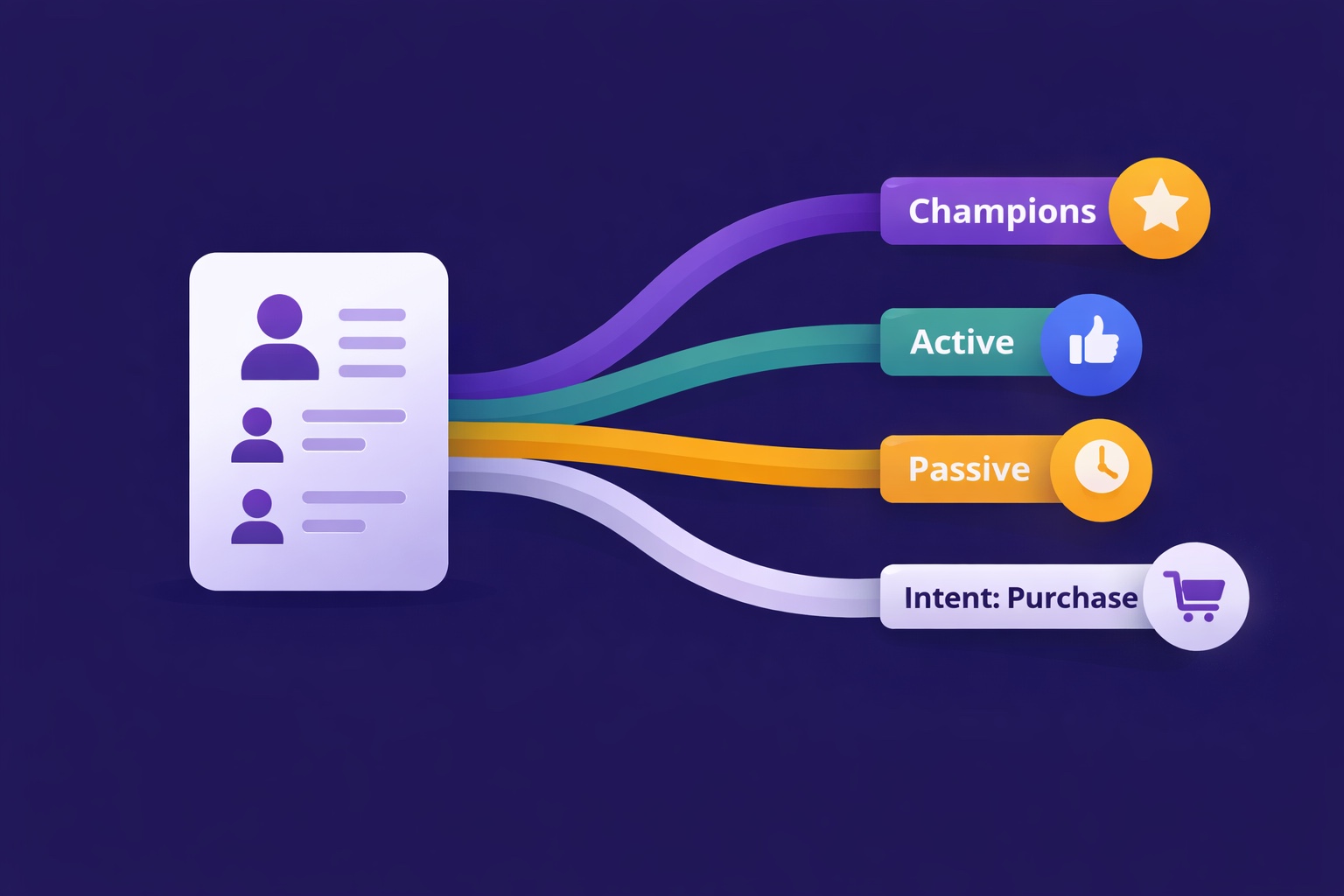
Segmentation is the gap between 25% open rates and 45% open rates — and between 3% paid conversion and 9%. The 5 segmentation types that move the needle, the exact tags to set up from day one, and how to build a behavioral targeting system that runs automatically in InfluencersKit.
Email Automation for Creators: Set Up These 5 Sequences Once and Earn Forever
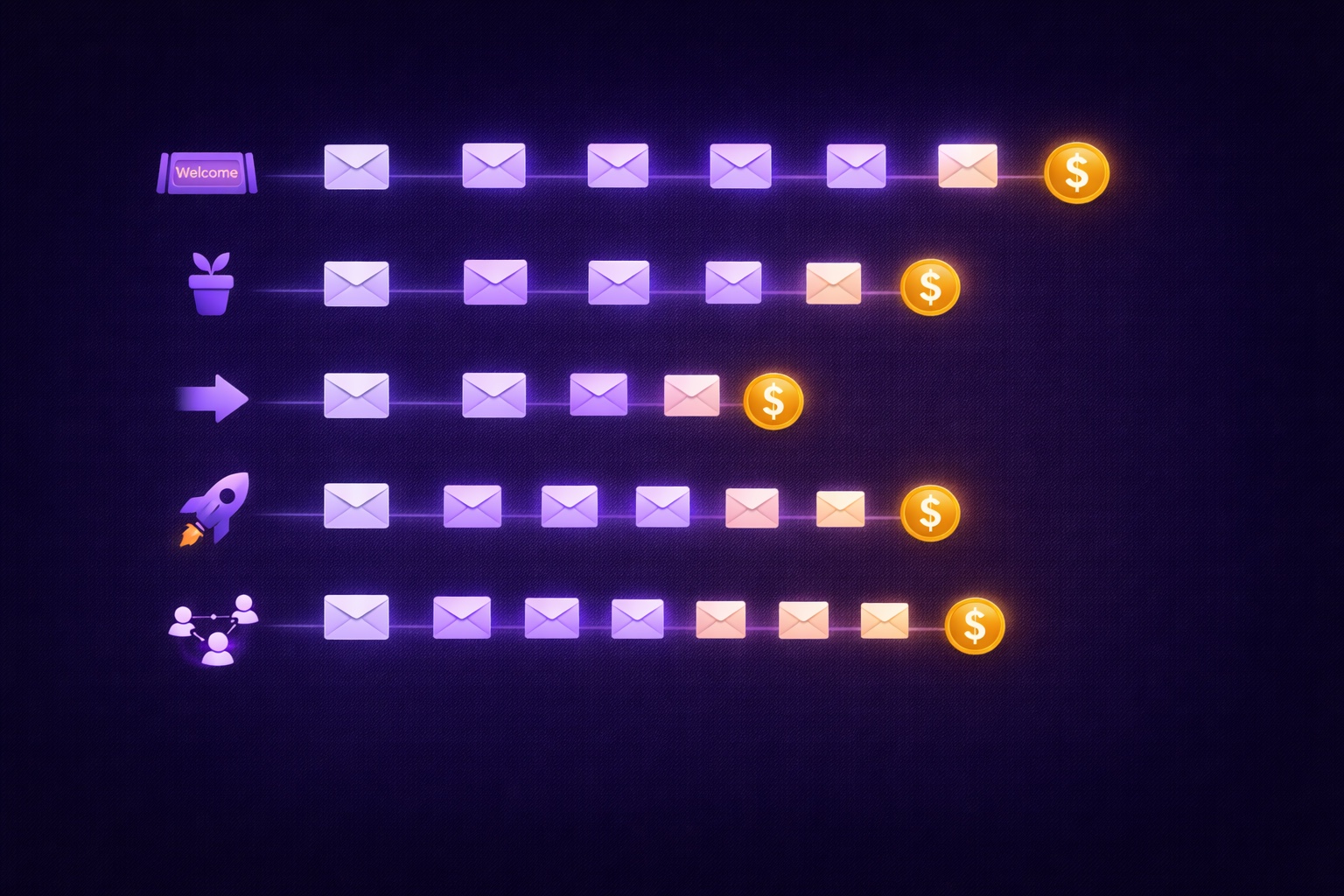
Most creators think automation means a welcome email. The reality: 5 automated sequences running simultaneously can generate $2,000–8,000/month passively. The complete guide with exact email timing, subject lines, content frameworks, and setup walkthrough for every sequence.