Email Automation for Creators: Set Up These 5 Sequences Once and Earn Forever
Most creators think automation means a welcome email. The reality: 5 automated sequences running simultaneously can generate $2,000–8,000/month passively. The complete guide with exact email timing, subject lines, content frameworks, and setup walkthrough for every sequence.
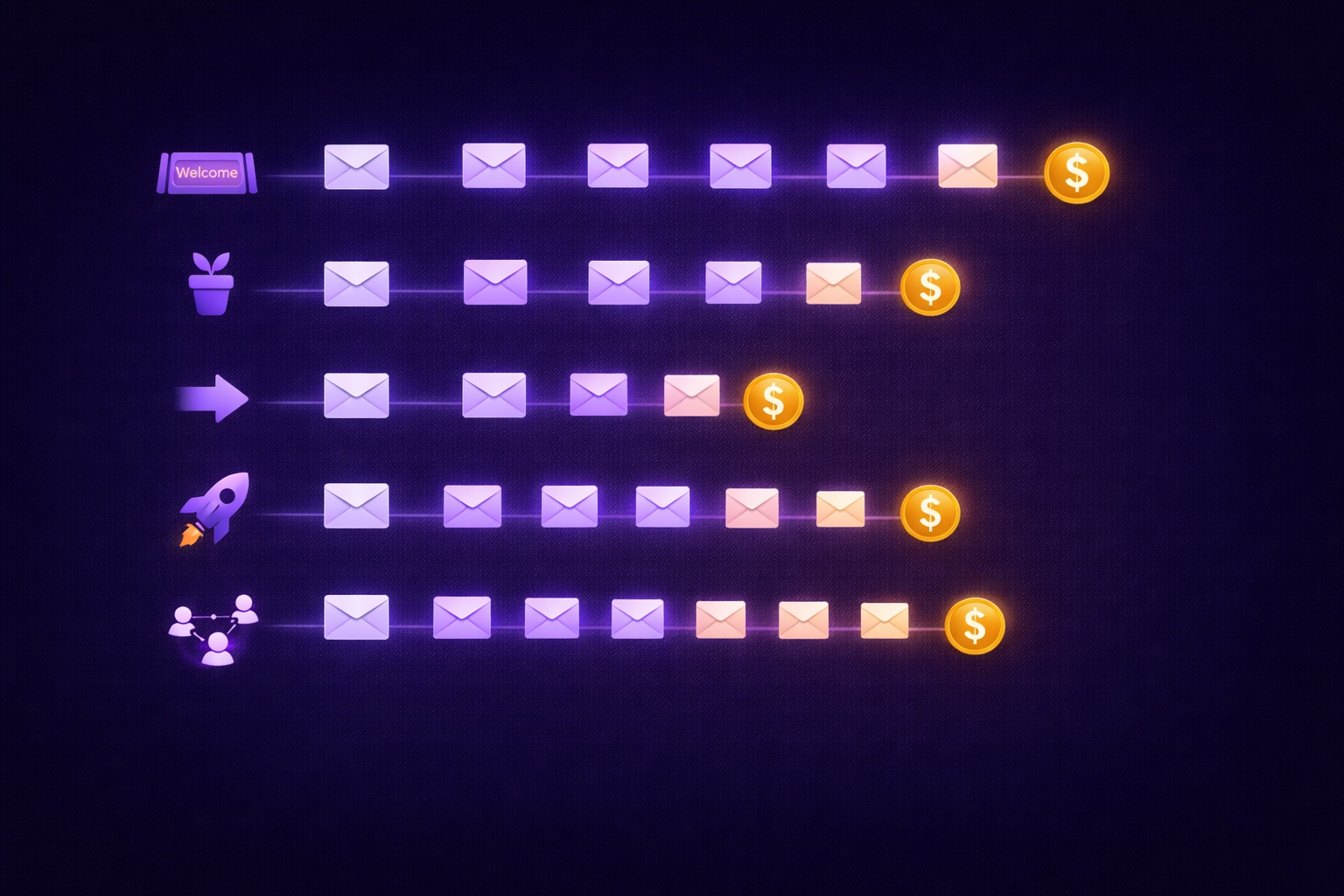
Most creators think about email in terms of what they send. The broadcast email on Tuesday. The newsletter issue every week. The occasional promotion when they have something to announce.
That's active email — content you create and send intentionally, one week at a time. It has value, but it doesn't scale. Every dollar it generates requires you to show up and produce something.
Automated email is different. You write it once. You configure the trigger and timing once. Then it runs forever — working in the background every single day, reaching the right subscriber at exactly the right moment in their relationship with you, without any additional effort on your part.
A creator with five well-built automated sequences running simultaneously can generate $2,000-8,000 per month in revenue that didn't require them to write a single email that month. Not because the automation is magic, but because it's doing the relationship-building and conversion work that would otherwise require constant manual attention — consistently, at scale, for every subscriber who hits the trigger condition.
This guide covers the five sequences every creator needs: what each one does, the exact email timing and subject lines that work, the content framework for each message, the mistakes that kill their effectiveness, and how to set up all five in InfluencersKit in a single afternoon.
Why Automation Is the Leverage That Multiplies Your Newsletter Revenue
The fundamental value of automation is not efficiency — it's timing. The most persuasive email you can send to a subscriber is one that arrives at exactly the moment they're most receptive to it. Automation makes that possible at scale.
What each sequence does for your revenue:
Welcome Sequence (Days 0-21):
Converts new subscribers from curious to committed. Directly affects long-term open rates, engagement scores, and paid conversion rates. A subscriber who completes your welcome sequence opens your regular issues at 15-20% higher rates and upgrades to paid at 2x the rate of subscribers who received no sequence.
Nurture Sequence (Ongoing):
Keeps long-term subscribers engaged between your regular issues. Prevents the slow drift into inactivity that causes churn. Also the right place for evergreen affiliate recommendations and soft product promotions that generate revenue passively.
Re-engagement Sequence (Triggered at 60+ days inactive):
Recovers 15-25% of subscribers who would otherwise churn silently. Each recovered subscriber is worth their full lifetime value — recaptured without any new acquisition cost.
Launch Sequence (Triggered by product or sponsor announcement):
A structured 5-7 email sequence around a product launch, paid tier opening, or major sponsor campaign. Email sequences consistently outperform single promotional emails by 300-500% in total revenue generated from a given launch.
Referral Request Sequence (Triggered at engagement milestone):
Automatically asks your most engaged subscribers to share your newsletter at the precise moment they're most enthusiastic about it. Generates referred subscribers with no ongoing manual effort.
Sequence 1: The Welcome Series (Days 0–21)
The welcome sequence is the foundation of everything else. We covered it in depth in the 7-email welcome sequence guide — here's the condensed version for context within the automation system, plus how it connects to the sequences that follow.
Trigger:
New subscriber added to list (fires automatically for every new subscriber, from any source)
Sequence overview:
- Email 1 (Day 0, immediate): Warm welcome + lead magnet delivery + preview of what's coming. Subject: "You're in — here's what's next"
- Email 2 (Day 1): Your best single piece of content. Subject: "As promised — the piece I'm most proud of"
- Email 3 (Day 3): Your origin story — why you started, what you believe, what makes your perspective different. Subject: "Why I started this newsletter (the real reason)"
- Email 4 (Day 5): Resource list with commentary — 8-12 curated resources with your take on each. Subject: "My [number] best resources on [topic] — save this one"
- Email 5 (Day 8): Deep dive on a complex topic — your signature framework or most requested explanation. Subject: "The [topic] framework I use every week"
- Email 6 (Day 14): Community and connection email — ask them to reply, introduce community resources, invite two-way conversation. Subject: "What are you working on right now?"
- Email 7 (Day 21): Soft upgrade or commitment deepening — paid tier introduction or one action ask. Subject: "A note for readers who are serious about [topic]"
How it connects to Sequence 2:
After Email 7, subscribers graduate to your regular list. Tag them as "welcome-completed" — this tag triggers their entry into the Nurture Sequence based on engagement level. High-engagement completers (opened 5+ of 7 emails) go into a nurture track. Low-engagement completers (opened fewer than 3) go into a lighter touch version of the nurture track.
Sequence 2: The Nurture Series (Ongoing Value Delivery)
The nurture sequence runs in the background for all subscribers who have passed the welcome sequence — providing ongoing value and maintaining the relationship between your regular newsletter issues. It's the sequence most creators either skip entirely or build once and forget, but it's responsible for a significant percentage of long-term engagement and passive revenue.
Trigger:
Welcome sequence completion (tag: welcome-completed) — starts 3 days after Email 7 of the welcome sequence
Sequence structure:
- Email 1 (Week 5 — first nurture email): A standalone piece of evergreen value — your most useful framework, resource, or deep dive that isn't already in the welcome sequence. Purely educational, no promotion. Subject: "The [topic] framework most people don't discover until they've been doing this for years"
- Email 2 (Week 7): Curated reading list — 5-7 resources with 2-sentence commentary on each. No selling. Pure curation. Highly forwardable — drives subscriber sharing. Subject: "Everything I've recommended lately on [topic]"
- Email 3 (Week 9 — first soft monetization): Personal recommendation for a tool or service you genuinely use. One affiliate link if applicable. Framed as a recommendation, not a promotion. Subject: "The [tool] I use every week that most people don't know about"
- Email 4 (Week 11): Survey or question email — ask what topics they want more of, what problems they're working on, what format they prefer. Drives engagement, gives you editorial intelligence, improves deliverability through replies. Subject: "Quick question about what you need most right now"
- Email 5 (Week 13 — upgrade moment): Paid tier or product mention for subscribers who haven't upgraded yet. Framed around specific value: "If you've been reading for a few months, you might want to know about what paid subscribers get." Subject: "Something I think you might want access to"
- Repeat cycle: After Email 5, loop back to Email 1 of the nurture sequence with fresh content in the same format. This means every subscriber gets evergreen value automatically — even subscribers who joined two years ago continue receiving occasionally spaced nurture emails between regular issues.
Revenue this sequence generates:
The affiliate recommendation in Email 3 and the upgrade mention in Email 5 repeat every 13 weeks for every active subscriber. At 10,000 subscribers with a 2% affiliate conversion at $25 commission per sale: $500 per cycle from that single automated email. Multiplied by 4 cycles per year: $2,000 per year in passive affiliate revenue from one automated email.
Sequence 3: The Re-engagement Series (Win Back Inactive Subscribers)
Every newsletter accumulates inactive subscribers — people who subscribed, engaged for a while, and then stopped opening. Most creators ignore them until they decide to do a list cleanup. The re-engagement sequence automates that cleanup continuously, recovering subscribers before they fully disengage and removing those who are truly gone.
Trigger:
Subscriber has not opened any email in 60 days (configurable — adjust based on your send frequency; use 45 days for daily sends, 75 days for bi-weekly sends)
Sequence structure (3 emails over 2 weeks):
Email 1 (Day 1 — The Direct Ask):
- Subject: "Still interested in [topic]?" or "We miss you — here's what you've missed"
- Content: Acknowledge they've been inactive (briefly, not accusatorially). Offer your best recent content — link to your 3 most popular issues from the past 2 months. Ask one direct question about whether they still want to hear from you.
- One CTA: "Click here if you're still interested — if you click, we'll know to keep sending." This click tags them as re-engaged and exits them from the sequence.
- Expected re-engagement rate from Email 1: 8-12%
Email 2 (Day 7 — The Incentive):
- Subject: "One more thing before we part ways" or "A gift for sticking around"
- Content: Offer something specific to re-engage — your lead magnet, a bonus resource, or a limited-time access to something behind your paid tier. Make the value of staying concrete.
- One CTA: Download or access link that triggers the re-engagement tag on click.
- Expected re-engagement rate from Email 2 (of remaining inactive): 5-8%
Email 3 (Day 14 — The Breakup):
- Subject: "This is our last email to you" or "Removing you in 48 hours — unless you click here"
- Content: Direct: you haven't engaged, you don't want to keep sending unwanted email, you're going to remove them in 48 hours unless they click to confirm they want to stay. One-line email, no story, no preamble.
- Two outcomes: They click → re-engaged tag applied, exits sequence, stays on list. They don't click → unsubscribed after 48 hours automatically.
- Expected re-engagement rate from Email 3 (of remaining inactive): 3-5%
Why the breakup email matters:
Subscribers who don't click through Email 3 are genuinely disengaged. Keeping them actively harms your deliverability — their lack of opens drags down your engagement score with inbox providers, which affects your deliverability for the subscribers who do want your emails. Removing them improves open rates, deliverability, and the accuracy of your analytics.
Net re-engagement rate:
Typically 15-25% of the inactive segment re-engages through this sequence. The remaining 75-85% are removed — resulting in a smaller but significantly healthier list.
Sequence 4: The Product/Sponsor Launch Sequence
When you have something to promote — a paid tier opening, a digital product launch, a high-value sponsor campaign — a single promotional email is the lowest-performing approach. A structured 5-email launch sequence, spread over 7-10 days, consistently generates 3-5x more revenue than a single announcement email.
Trigger:
Manual trigger — you activate this sequence when you have a specific launch or campaign. Configure the sequence in advance; activate it by tagging your list or a segment on launch day.
The 5-email launch sequence:
Email 1 (Day 1 — The Announcement):
Introduce what you're launching and why it exists. Lead with the problem it solves, not the product features. No hard sell — this is awareness. End with a clear link but no urgency yet. Subject: "Something I've been building for you — it's ready"
Email 2 (Day 2 — The Case):
Go deeper on the problem. Share a story or case study that illustrates why the problem matters. Position the product/tier as the solution — but show, don't just tell. Include social proof if you have beta readers or early access results. Subject: "The [problem] story I keep seeing — and why I built [solution]"
Email 3 (Day 4 — The Detail):
Full breakdown of what's included. Specific, concrete, no vagueness. What they get, how it works, what changes for them. Address the most common objection directly in the body (price, time investment, whether it works for them specifically). Subject: "Everything that's included — and the one thing most people ask about"
Email 4 (Day 6 — The Proof):
Testimonials, results, or specific examples. For a new launch, use beta reader feedback, early access results, or a detailed case study of the transformation you're helping with. The most powerful email in the sequence for converting skeptical readers. Subject: "What [beta readers/early members] said after their first month"
Email 5 (Day 7 or day before close — The Deadline):
Clear deadline — if you have one (launch week, founding member pricing ending, cohort closing). If no natural deadline, create a reasonable one (founding member pricing available through [date]). Urgency that's real, not manufactured. Final clear CTA. This email alone typically generates 30-40% of total launch revenue. Subject: "Last day — [offer] closes tonight"
For sponsor campaigns specifically:
The launch sequence structure adapts for major sponsorship campaigns — particularly for sponsors wanting dedicated email sequences rather than newsletter insertions. Three to four emails over 5 days promoting a sponsor's offer can generate significantly higher CPM than a single newsletter mention, which translates to higher rates you can charge. Frame it to sponsors as a "dedicated send" or "email campaign" at a premium rate over standard newsletter placement.
Sequence 5: The Referral Request Sequence
The referral request sequence is the only one that doesn't ask subscribers for money — it asks them to share. And it does so at the exact moment they're most likely to say yes.
Trigger:
Subscriber reaches a defined engagement milestone — e.g., has opened 8 of the last 10 emails sent. This identifies your most enthusiastic readers at the moment of peak enthusiasm, before that enthusiasm has a chance to fade into routine.
Sequence structure (2 emails, 7 days apart):
Email 1 (Day 1 — The Gratitude + Ask):
- Subject: "You're one of my most engaged readers — thank you" or "I noticed you never miss an issue"
- Content: Acknowledge their engagement genuinely — not as a manipulation tactic, but as a real recognition. Tell them it matters. Then make a direct, specific ask: "If you're getting value from this newsletter, would you share it with one person who'd love it? Your personal referral link is below — and when they subscribe, you earn [reward]."
- Include: Their personalized referral link (auto-populated from InfluencersKit), the specific reward at each milestone, and a one-sentence description of who the newsletter is best for (makes it easy for them to think of the right person to send it to)
- Expected click rate on referral link: 12-20% of recipients
Email 2 (Day 7 — The Reminder + Progress):
- Subject: "A quick update on your referral" or "You're [X] referrals from [reward]"
- Content: Show their referral progress (how many they've referred, how many until the next reward). Reinforce the value of sharing. Include the referral link again. If they haven't made any referrals yet, reframe the ask: "Even sharing once counts — forward this email to one person right now and you're on your way."
- Expected additional referrals from Email 2: 30-40% of Email 1 referral volume
How this connects to the referral program:
The referral request sequence works alongside the ongoing referral program — it's the automated touchpoint that activates your most engaged subscribers into active referrers, while the P.S. referral mention in your regular newsletter reminds everyone else. Together they generate continuous referral growth without manual outreach.
Automation Mistakes That Kill Engagement
The 6 most common automation mistakes creators make:
- Sending automated emails simultaneously with regular issues: If a subscriber is getting your weekly newsletter AND a welcome sequence email AND a nurture email in the same week, they're getting 3 emails from you in 7 days. Configure exclusion rules — pause automation sequences on regular newsletter send days, or space sequences to avoid overlap.
- Welcome sequence content that duplicates your regular newsletter: Subscribers who joined your list will also receive your regular issues — if your welcome sequence emails are in the same format and cover the same topics, there's no distinction. Welcome sequence should feel like a curated onboarding, not a preview of what they already receive weekly.
- Re-engagement emails that feel accusatory: "You haven't opened our emails in 60 days" framing makes subscribers feel blamed. Reframe: "Life gets busy — we've been sending our best stuff and wanted to make sure it was landing." Same information, entirely different emotional response.
- Launch sequences without a genuine deadline: Urgency that isn't real is detected immediately and destroys trust. If your offer doesn't actually end on a specific date, don't pretend it does. Use real scarcity: founding member pricing that genuinely closes, cohort enrollment that fills, a bonus that expires. If no real deadline exists, either create one or don't use an urgency email.
- Automation that never gets updated: Email content you wrote 18 months ago may reference outdated tools, stale data, or past versions of your thinking. Set a calendar reminder to review and update every automation sequence every 6 months — welcome sequence especially, since every new subscriber goes through it.
- Building all five sequences at once before testing one: Build and test the welcome sequence first. It affects the most subscribers and has the highest impact. Once it's performing well (Email 1 opening at 65%+, Email 7 completing at 50%+ of those who started), add the re-engagement sequence. Then nurture. Then launch. Then referral. Building five imperfect sequences simultaneously is less effective than building one excellent one at a time.
Setting Up All 5 Sequences in InfluencersKit
The recommended build order and time estimates:
- Week 1 — Welcome Sequence: 3-5 hours to write 7 emails + 45 minutes to configure in InfluencersKit. Navigate to Automation → New Sequence → Welcome Series. Set trigger: "New subscriber added." Add all 7 emails with correct delays (0h, 24h, 3d, 5d, 8d, 14d, 21d). Add exclusion: pause if subscriber upgrades to paid.
- Week 2 — Re-engagement Sequence: 1-2 hours to write 3 emails + 30 minutes to configure. Set trigger: "Subscriber has not opened in 60 days AND has completed welcome sequence." Add sunset rule to final email: subscribers who don't click after Email 3 are unsubscribed after 48 hours.
- Week 3 — Referral Request Sequence: 1 hour to write 2 emails + 20 minutes to configure. Set trigger: "Subscriber has opened 8 of last 10 emails." Use InfluencersKit's engagement scoring to identify the right threshold. Include personalized referral link variable in each email.
- Week 4 — Nurture Sequence: 3-4 hours to write 5 emails + 45 minutes to configure. Set trigger: "Welcome sequence completed (tag: welcome-completed)." Set to start 3 days after welcome sequence ends. Configure to loop after Email 5 (update content in the loop every 6 months).
- As needed — Launch Sequence: 2-3 hours to write 5 emails for each launch. Pre-configure the structure in InfluencersKit with placeholder content, then update with specific launch content when you activate it. Tag your list or segment to activate; set delay schedule (0d, 1d, 3d, 5d, 6d).
Total one-time setup time:
Approximately 10-15 hours to write and configure all five sequences from scratch. That investment generates ongoing returns indefinitely — every new subscriber gets the welcome sequence, every inactive subscriber gets re-engagement attempts, every engaged subscriber gets referral asks — all automatically, forever.
Monitoring after setup:
Review sequence performance monthly in Analytics → Automation Performance. Key metrics: welcome sequence open rate per email, re-engagement sequence recovery rate, referral request click rate, launch sequence revenue. Any sequence with a sharp drop in open rate from one email to the next identifies an underperforming email that needs rewriting.
The newsletter analytics guide covers how to measure the downstream impact of your automation — specifically how welcome sequence completion affects long-term open rates and revenue per subscriber. And once your automations are running, the natural next step is ensuring your regular newsletter issues convert as well as your automated sequences do — the newsletter writing guide covers the format and voice that sustains high open rates over time.
Building these five sequences is the highest-ROI project most creators can do in a single month — not because they're glamorous, but because they compound. Every subscriber who joins from now on goes through the same well-built welcome experience. Every inactive subscriber gets the same structured re-engagement attempt. Every engaged subscriber gets the same referral ask at the right moment. You build it once. It works for years.
Set It Up Once. Earn Forever.
InfluencersKit's automation builder is designed for newsletter creators — not B2B sales teams. Build all five sequences with straightforward triggers, clear email scheduling, and engagement-score-based conditions. Pair with built-in programmatic ads, referral programs, and paid subscription infrastructure so your automations have revenue to drive to.
Start your free trial — build your welcome sequence this week and have all five running within the month.
Stay Updated
Get the latest insights, strategies, and tips delivered directly to your inbox. Join thousands of creators who are building their email communities with our weekly newsletter.
No spam, unsubscribe at any time. We respect your privacy.
Related Articles
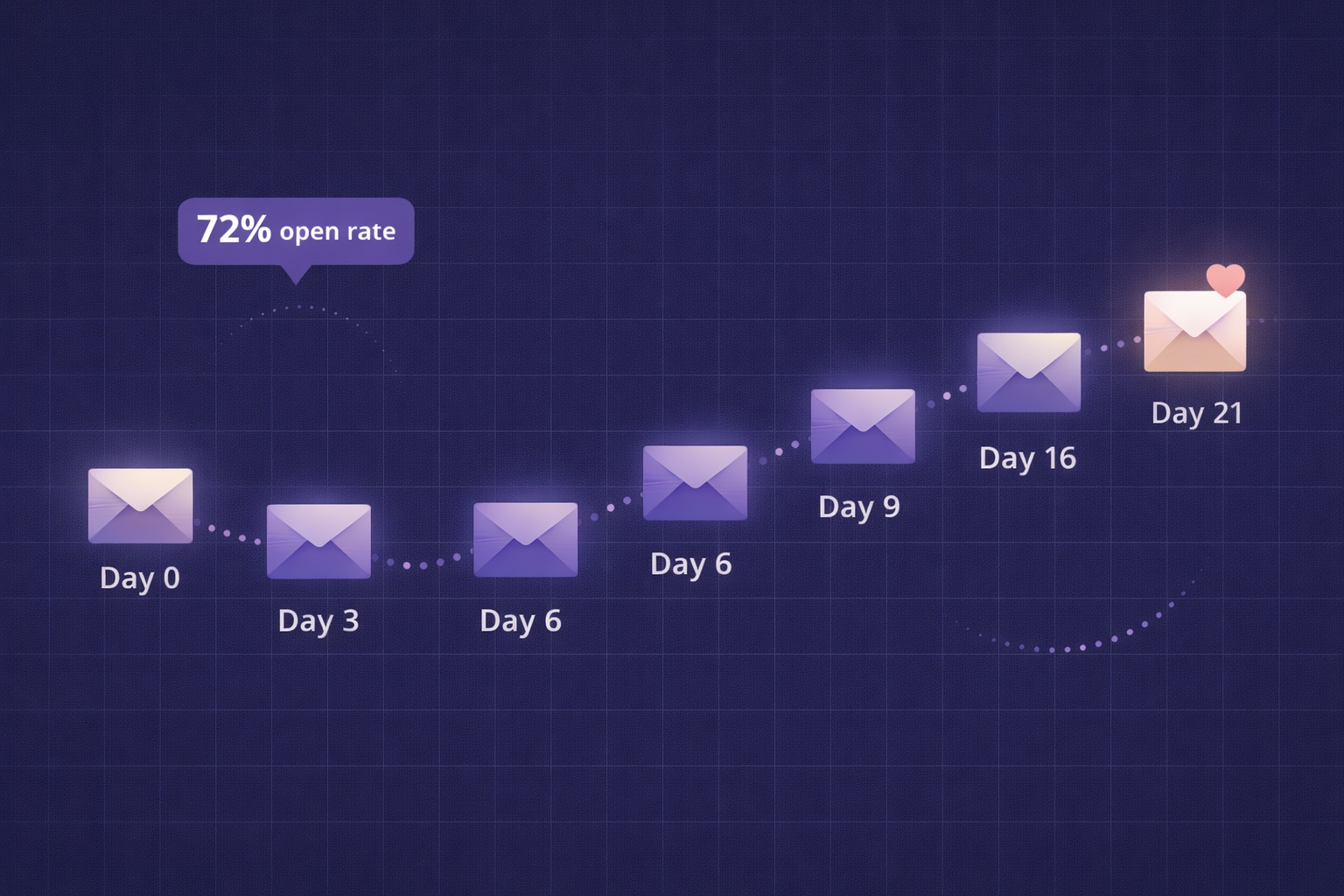
Newsletter Welcome Email Sequence: The 7-Email Series That Turns Subscribers into Superfans
Your welcome email gets a 50-80% open rate — the highest of any email you'll ever send. Most creators waste it with a single 'thanks for subscribing.' This is the exact 7-email sequence with day-by-day timing, subject lines, full content frameworks, and automation setup in InfluencersKit.
Newsletter Reactivation: How to Win Back Inactive Subscribers (With Templates)
Every newsletter has inactive subscribers silently dragging down deliverability. A well-designed reactivation campaign recovers 8–20% of them while identifying the truly unrecoverable. The four-part reactivation sequence, subject lines that break through inbox habituation, the list hygiene logic that improves metrics after removal, and the onboarding system that prevents inactivity from accumulating in the first place.
Email Marketing for Online Coaches: Build Your List, Nurture Prospects, Fill Your Program
Coaching has a long sales cycle — clients need weeks of trust-building before they commit. Email is the only marketing channel that matches this cycle structurally. The complete system: how to build a list that attracts your ideal client profile, the 7-email welcome sequence that pre-qualifies prospects, and how to run enrollment conversations through email without feeling salesy.
Newsletter Segmentation for Creators: Send the Right Email to the Right Subscriber
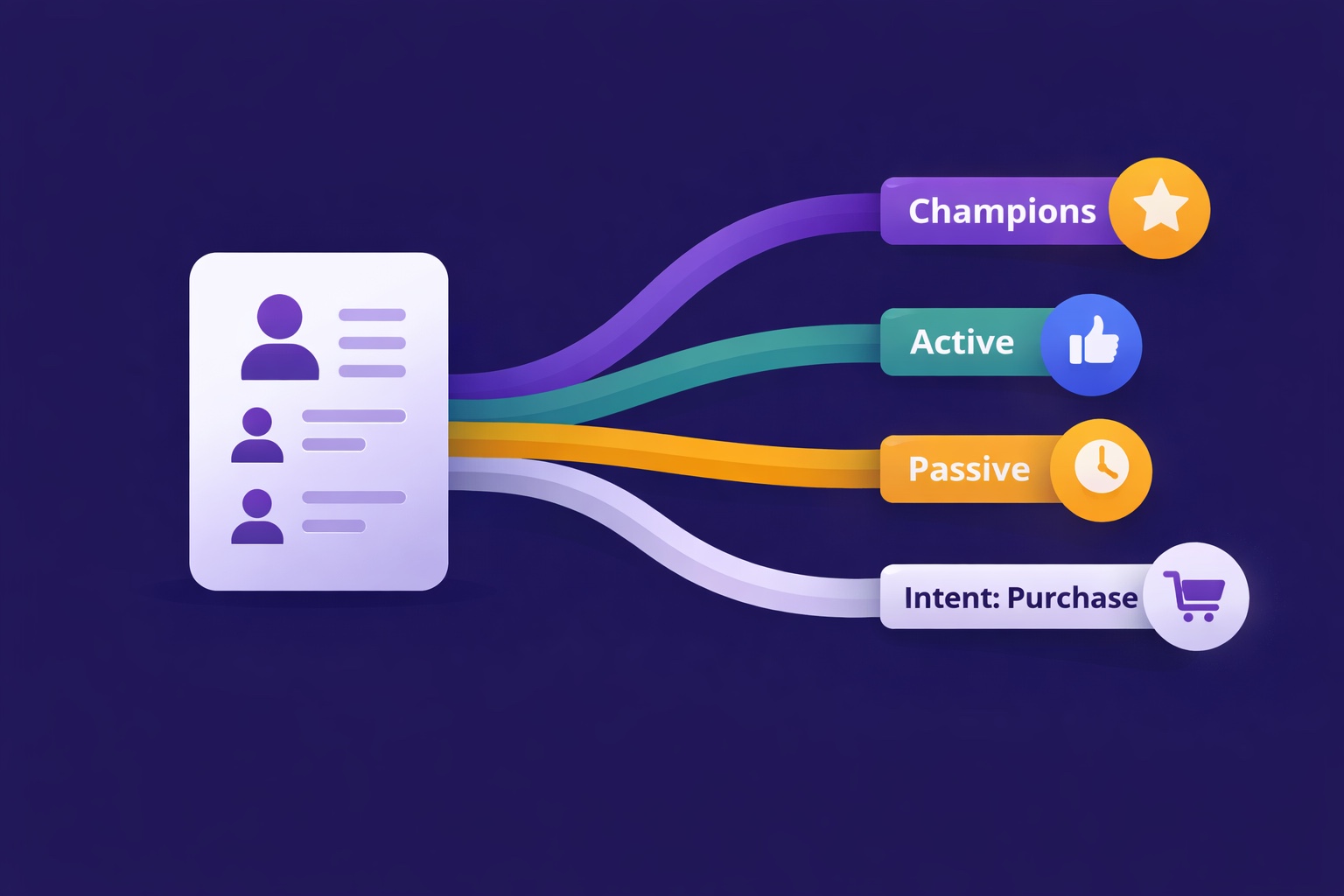
Segmentation is the gap between 25% open rates and 45% open rates — and between 3% paid conversion and 9%. The 5 segmentation types that move the needle, the exact tags to set up from day one, and how to build a behavioral targeting system that runs automatically in InfluencersKit.